
A little room to wonder
Pixels & Digital Images
Account for a raster image’s grid and colour values, then distinguish changing display size from adding source detail.
What information must a computer keep to display a small colour image?
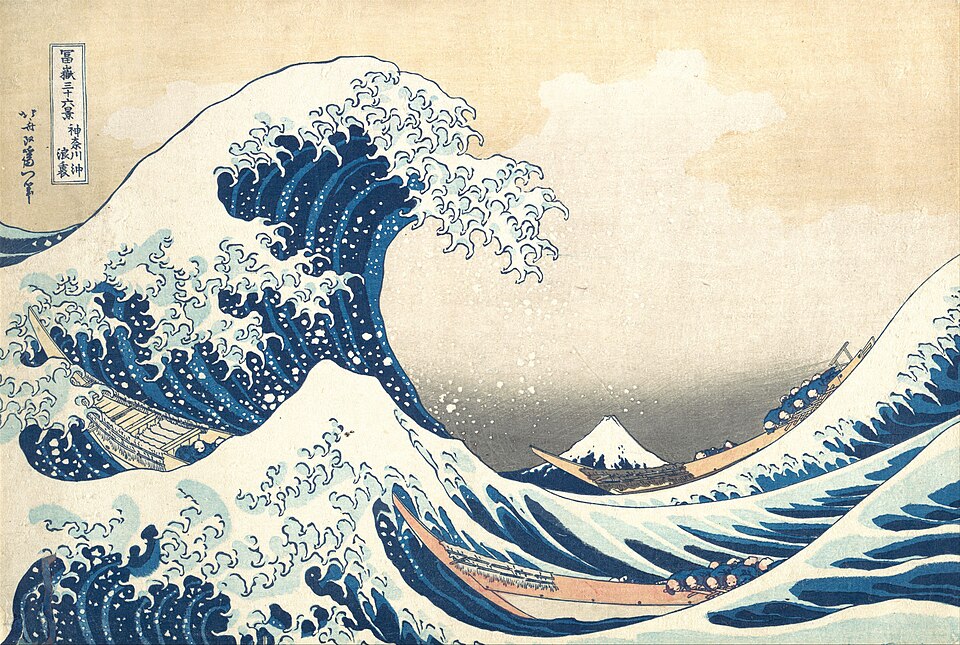
A raster image is an organised grid
A raster image represents positions in a grid of pixels, with values that describe each pixel. Its width and height count grid positions, not centimetres on a screen. Displaying the same image at a different physical size does not change its original pixel count.
Colour values need an encoding rule. In a common RGB model, three channels represent red, green and blue components. The numbers are instructions within that representation; an unlabelled triple does not by itself explain its colour space, transparency or display conditions.
Count channels and bits explicitly
With 8 bits for each RGB channel, a pixel uses 24 bits for those three channels. Each 8-bit channel can represent 256 different values, from 0 to 255. Adding an alpha channel for transparency would require additional information under a corresponding format rule.
This is a raw-data model, not a promise about the size of a saved image file. Headers, metadata, colour settings and compression can change a file’s byte count. A filename ending does not tell you how many raw pixel values were used without reading the actual format.
Worked example: a tiny invented picture
An 8-by-6 pixel picture has 8 × 6 = 48 pixels. With 24 RGB bits per pixel, its raw colour payload is 48 × 24 = 1,152 bits. At 8 bits per byte, that is 144 bytes, excluding any header, metadata, padding or compression.
A 16-by-12 version has 192 pixels, four times as many because both dimensions doubled. If it is made simply by enlarging the original, those extra positions are calculated from existing values. They do not establish four times as much observed detail about the photographed subject.
Choose raster or vector for a purpose
A vector drawing represents geometric instructions such as paths and shapes instead of starting with a fixed colour grid. It can be redrawn at different sizes, although a display ultimately uses pixels. A photograph and a simple line diagram therefore have different useful source representations.
The question is not which format is always superior. Consider the content, the intended size and which features must be preserved. An exact low-resolution grid may be the right source for pixel art, while an enlarged photograph cannot invent details missing from the original capture.
Only if you feel like trying
Calculate a tiny image payload
- Draw an 8-by-6 grid or describe it with row and column counts.
- Calculate its raw 24-bit RGB payload and compare it with a 16-by-12 grid.
- Write which extra information a real file needs beyond this simplified colour payload.
Optional. Use paper or talk through the supplied fictional example. No purchase, personal information, account, public sharing or practical experiment is needed.
Look at the sources.
These references offer further reading on the ideas here. Check who published them, what they support and what you would ask next.
- Computer Science Education Research Group / University of CanterburyImages and Colours
- MDN Web Docs / MozillaImage file type and format guide
Research checked 1 November 2026. External pages have their own content and privacy practices.
Where could this connect?
These are editorial links between subjects. You choose which, if any, to follow.
Binary & Digital Data
Bits need an encoding rule before their patterns can represent colour values.
Follow this connection
Computing
Digital images connect computing’s data representations with the pictures people see.
Follow this connectionMicroscope Scale & Magnification
Enlarging an image changes its displayed size without automatically improving resolving detail.
Follow this connection